

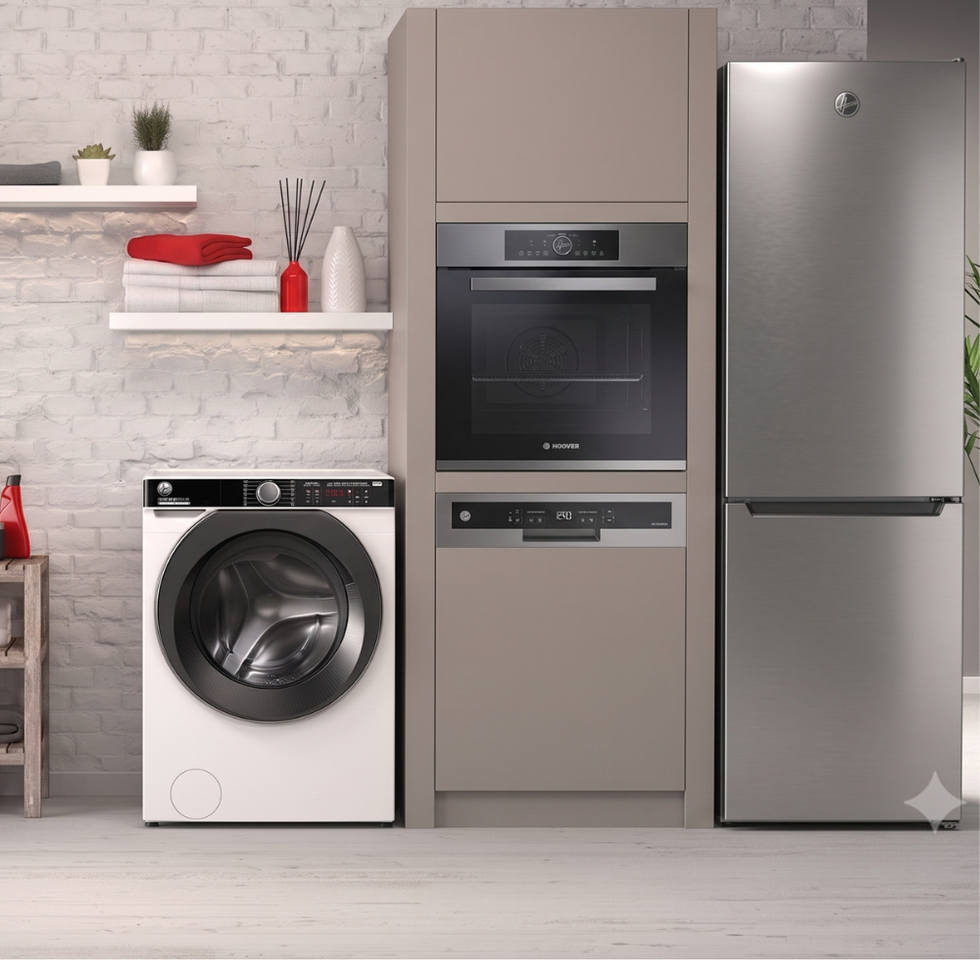

Shop Hoover by Collection
-
![]()
Hoover Refrigerators
Total No Frost technology, adjustable shelving, and LED lighting - freestanding and American-style models.
-
![]()
Hoover Dishwashers
Pair text with an image to focus on a product, collection or blog post. Add details on availability, style, or even provide a review.
-
![]()
Hoover Washing Machines
ActiveSteam, hOn app smart control, and inverter motors - large capacity drums from 8kg to 10kg.
-
![]()
Hoover Ovens
Multifunction cooking, pyrolytic self-cleaning, and hOn app control - built-in single and double ovens.


-

Hoover 176cm 50/50 Fridge Freezer - White | HOCT3L517EWK-1
€349.00Unit price /Unavailable -
Hoover Multi Function Built-In Single Oven with WiFi - Stai...
€499.00€599.00Unit price /Unavailable -

Hoover H-Fridge 700 Maxi Frost Free French Door Fridge Free...
€669.00Unit price /Unavailable -
Hoover 55cm Under Counter Freezer - Black | HOUQS58EBHK
€249.00€279.00Unit price /Unavailable -
Hoover Pro Wash 9kg 1400 Spin Washing Machine Including Wif...
€349.00Unit price /Unavailable -
Hoover Pro Wash 10kg 1400 Spin Washing Machine - White | HB...
€399.00Unit price /Unavailable -
Hoover H-Dish 14 Place 60cm Dishwasher - Graphite | HFP4C7E...
€379.00Unit price /Unavailable -

Hoover Pro Wash 9kg Washer 6kg Dryer WiFi - Graphite | HBWR...
€449.00Unit price /Unavailable -
Hoover Under Counter 55cm Freestanding Fridge - Black | HOL...
€279.00Unit price /Unavailable -
Hoover 60cm Electric Ceramic Hob - Black | HH64BVT
€239.00Unit price /Unavailable -
Hoover H-Dish 300 Lite 13 Place Built In Integrated Dishwas...
€349.00Unit price /Unavailable -
Hoover H Wash & Dry 300 Lite 8KG Washer 5KG Dryer 1400RPM W...
€419.00Unit price /Unavailable -
Hoover H-Wash 10KG Washer 6KG Dryer 1400 Spin Washer Dryer ...
€539.00Unit price /Unavailable -
Hoover 185cm 60/40 Fridge Freezer - Inox | HONCQ3T518ENXK
€399.00Unit price /Unavailable -
Hoover 136.5cm 50/50 Fridge Freezer - White | HOCH1S513EWK
€369.00Unit price /Unavailable -

Hoover H-Fridge 300 54.5cm Undercounter Fridge - Black | HO...
€279.00Unit price /Unavailable -
Hoover H-Dish 14 Place 60cm Dishwasher - White | HFP4C7E0W-80
€369.00Unit price /Unavailable -
Hoover H-FREEZE 300 54.5cm Under Counter Freezer - Black | ...
€279.00Unit price /Unavailable -
Hoover Built In Single Pyrolytic Oven with Wifi - Black | H...
€449.00Unit price /Unavailable -
Out Of Stock
Hoover Pro Dry Series 3 10KG Heat Pump Tumble Dryer - Graph...
€429.00Unit price /Unavailable -
Out Of Stock
Hoover 176cm 50/50 Fridge Freezer - Black | HOCT3L517EBK
€349.00Unit price /Unavailable -
Out Of Stock
Hoover 176cm 50/50 Fridge Freezer with Water Dispenser - Wh...
€379.00Unit price /Unavailable -
Out Of Stock
Hoover Pro Wash 10kg 1400 Spin Washing Machine with Wifi - ...
€399.00Unit price /Unavailable -
Out Of Stock
Hoover H-FRIDGE 500 MAXI Frost Free American Fridge Freezer...
€799.00Unit price /Unavailable -
Out Of Stock
Hoover H-Wash 300 9KG 1400 Spin Built In Integrated Washing...
€349.00Unit price /Unavailable -
Out Of Stock
Hoover Built In Electric Single Oven - Stainless Steel | HO...
€299.00Unit price /Unavailable


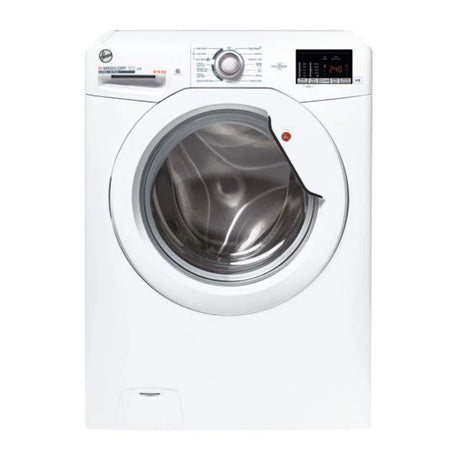


Hoover Appliances | Washing Machines, Fridges, Ovens, Dishwashers
Hoover Kitchen and Laundry Appliances with hOn App Smart Control, Total No Frost, and ActiveSteam Technology
Washing machines:
Hoover washing machines combine large capacity drums from 8kg to 10kg with ActiveSteam technology that loosens dirt and refreshes fabrics without a full wash cycle. The hOn app connects to your machine via Wi-Fi for remote start, cycle monitoring, and access to additional programmes. Inverter motors deliver quiet, energy-efficient operation with 1400-1600 RPM spin speeds.
Fridges and freezers:
The Hoover refrigeration range includes freestanding and American-style fridge freezers with Total No Frost technology that prevents ice build-up entirely, so you never need to defrost manually. LED lighting, adjustable glass shelving, and XL salad crispers keep food organised and visible. Selected models include non-plumbed water dispensers and hOn app connectivity for temperature control from your phone.
Ovens:
Hoover built-in ovens are available in single and double configurations with multifunction cooking programmes for fan, grill, defrost, and conventional baking. Pyrolytic self-cleaning models heat the cavity to high temperature to burn off grease and food residue, leaving only a fine ash to wipe away. The hOn app provides remote preheating and access to guided recipes on compatible models.
Dishwashers:
Hoover dishwashers are available in freestanding and fully integrated models with up to 16 place settings. Inverter motors keep noise levels low for open-plan kitchens, and multiple wash programmes handle everything from quick rinses to intensive pot-wash cycles. The hOn app enables remote start, cycle tracking, and maintenance reminders from your phone or tablet.
hOn app smart control across the full Hoover range:
The hOn app is the central hub for Hoover connected appliances. Download the app, connect each appliance via Wi-Fi, and manage your washing machine, fridge freezer, oven, and dishwasher from a single interface. The app provides remote control, energy monitoring, maintenance tips, and access to additional programmes and recipes that are not available on the appliance controls alone.
Frequently Asked Questions
What are the warranty periods for Samsung products?
What are the warranty periods for Samsung products?
Galaxy devices
- Smartphone: 24 months
- Tablet: 24 months
- Galaxy Buds and wireless headphones: 12 months
- Galaxy and Gear Smart Watch: 24 months
Home Appliances
- Refrigerator: 24 months
- Washing Machine: 24 months
- Washer Dryer: 24 months
- Dryer: 24 months
- Dishwashers: 24 months
- Microwave: 12 months
- Oven: 24 months
- Hob: 24 months
Samsung TV
- TV: 12 months
For more info, check out Samsung support page
Samsung TV
How Do I Find Out What Model TV I Have on Samsung?
How Do I Find Out What Model TV I Have on Samsung?
1. Via the TV Menu:
> Press the Home button on your remote.
> Navigate to Settings > Support > About This TV.
> Here, you'll find the model code, serial number, and software version.
2. Physical Label:
> Look for a label on the back of your TV; it typically displays the model code and serial number.
> These details are essential for warranty services, support, or compatibility issues.
Can You Download Apps on Samsung Smart TV?
Can You Download Apps on Samsung Smart TV?
Yes, you can download and manage apps on your Samsung Smart TV:
> Press the Home button on your remote control.
> Navigate to Apps, then select the Search icon in the top-right corner.
> Enter the name of the app you wish to download, select it, and then select Install.
> Once installed, the app will appear on your Home screen.
How Does Samsung TV Plus Work?
How Does Samsung TV Plus Work?
Samsung TV Plus is a free, ad-supported streaming service available on Samsung Smart TVs and Galaxy devices. It offers over 300 live TV channels and thousands of movies and shows on demand, all without the need for subscriptions, credit cards, or additional devices.
The service is available on Samsung Smart TVs from 2016 onwards, Smart Monitors, Family Hub refrigerators, and Galaxy smartphones and tablets. An internet connection is required for streaming.
Samsung Galaxy
How to Reset a Samsung Tablet?
How to Reset a Samsung Tablet?
> Navigate to Settings > General management > Reset.
> Tap Factory data reset.
> Review the information, then tap Reset.
> Tap Delete all to confirm.
This process will erase all data on the device. Ensure you back up important information beforehand.
How to Screenshot on Samsung Galaxy?
How to Screenshot on Samsung Galaxy?
1. Button Combination:
> Press and hold the Power/Side button and Volume Down button simultaneously.
> Release both buttons quickly.
> The screen will flash, indicating a successful capture.
2. Palm Swipe Gesture (if enabled):
> Swipe the edge of your hand across the screen from right to left or vice versa.
Lifewire.
> Screenshots are saved in the Gallery app.
How to Turn Off a Samsung Phone?
How to Turn Off a Samsung Phone?
There are multiple ways to power off your Samsung phone:
1. Quick Settings Panel:
> Swipe down from the top of the screen using two fingers to open the Quick settings panel.
> Tap the Power icon in the upper right corner.
> Select Power off, then confirm.
2. Side Key:
> Press and hold the Side button.
> When the Power menu appears, tap Power off.
Note: If Bixby Voice launches instead of the Power menu, you may need to change your Side key settings.